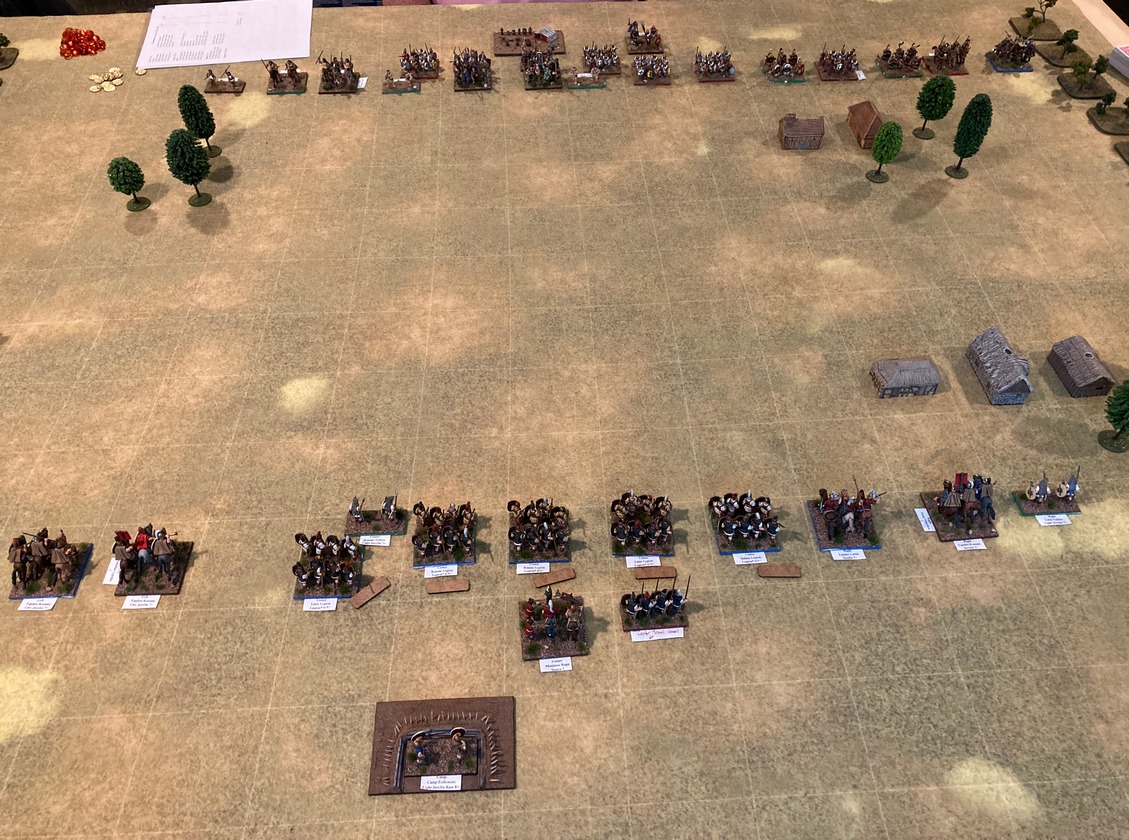
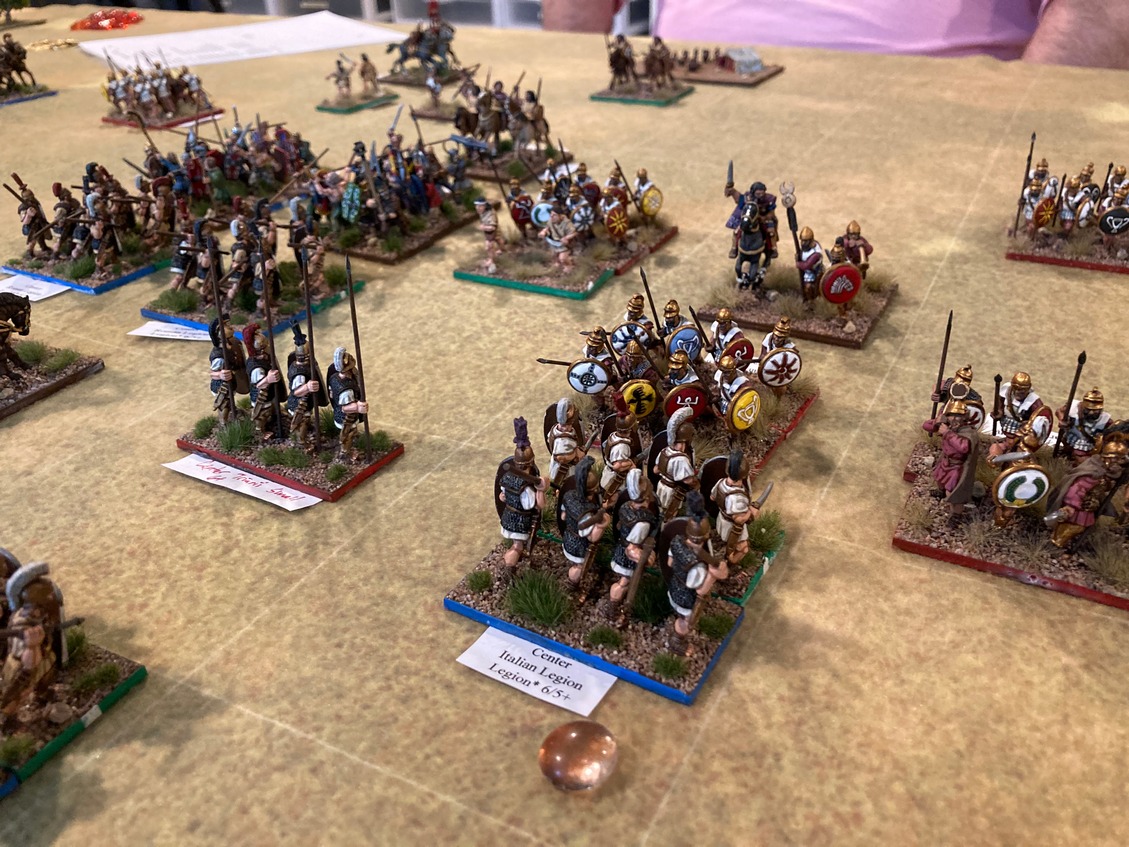
On the gaming front, the week just passed was a busy one. I participated in five games in the last eight days. Five games! Four games were remote and one F2F. That is a lot of gaming! Hopefully, some of these games with see a post-action BatRep from me but I am so far behind in that task. So, much gaming, in fact, that I barely picked up the paint brush. May painting totals are going out with a whimper. Perhaps June will see more progress? I do not know since weather has been very good on the Palouse and mileage on the bike is increasing. Gaming has not been the only distraction this week. With all of the remote gaming, I finally began to address my capability of hosting such an event. Having a game room underground in a basement has wreaked havoc on wi-fi as the router struggles to send a good signal to the far reaches of an essentially concrete bunker. Not being an early adopter of new technology, I may be coming in just as the world returns to normal and remote gaming falls by the wayside. Hopefully not.
First, over the last few weeks, I upgraded the modem, router, and added a number of Mesh Wi-Fi extender pods. Those upgrades seem to have reduced many of the issues with signal in the basement. Time will tell if these have mitigated the issues completely.
Second, I purchased two webcams and figured out how to run both of them from a single laptop from fixed positions. That technology seems to be working although some of this is still trial and error.
Finally, I have been testing Zoom and a few other remote meeting software packages for hosting remote games. In my testing, Zoom seems to win out and many players are already comfortable with the interface.
Uniting all of these activities and testing on my own, I finally was ready to take the next step. That is, to see if this setup is workable in a group setting. I enlisted Richard's help to test and he agreed to a testing session.
For the testing session with Richard, I placed each camera to the left rear of each of the ECW battle lines. The figures are 28mm.
 |
| View above Royalist left |
 |
| View above Parliament left |
Each player may switch between the two views as desired. While the detail is not as clear as in an F2F game, the entire battlefield can be seen and units can be identified. The battle is set out on a 6' x 8' footprint on my 6' x 12' table. Richard thought the layout and presentation was perfectly playable in a remote session. Whew!After the testing session with Richard concluded, I repositioned the two cameras such that they looked down the battle lines rather than from behind the left of each line.
 |
| View from near side of table |
 |
| View from far side of table |
I also included an iPhone as a roving camera for close ups. See the thumbnail screen in this post's lead photo.
One of the challenges faced in many of the remote games in which I have participated is that, often times, only a portion of the playing area can be seen. In many games, only four or six feet of the playing area can be seen with the camera placed directly behind one player's side of the table. For larger tables and games more than 4-6 feet, the host must constantly readjust and repoint the webcam to see all parts of the action. I wanted to keep the camera views fixed so that I would not have to readjust the cameras during the game. Having two fixed camera views solves this, I think.
What are your thoughts on this set up? Would this configuration be acceptable for playing remotely especially if a roving cam is available to zoom in for a close up look at your troops? Which camera configuration do you prefer: the angled view or straight down the battle line view? I think I have a slight preference for the angled view since it provides a sense of "ownership" to that side of the table. Of course, my preference may change.